Qwen-Image 2.1 で画像の背景を除去して透過イメージを作成する

詩乃
質問: Qwen-Image 2.1で背景透過
Qwen-Image 2.1では背景透過の画像が生成できると聞きました。画像の背景を除去することもできますか? その場合、BiRefNetより性能が良いですか?


Qwen-Image 2.1で背景透過を実行します。

メモ
背景を透過する方法はQwen-Image-Layeredを利用した検証をしており、その際はBiRefNetよりQwen-Image-Layeredのほうが性能が高いことが確認できました。 (詳しくはこちらの記事を参照)
今回、Qwen-Image 2.1を利用した場合の結果と、Qwen-Image-Layered の結果を比較して、性能差を確認します。
事前準備

Qwen-Image 2.1 のインストール

ComfyUIとQwen-Image 2.1 をインストールします。 インストール手順はこちらの記事を参照してください。

ワークフロー

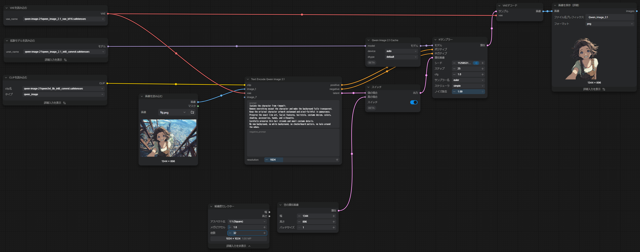
ワークフローはImage Editのワークフローを利用します。
参照画像は背景を透過したい画像1枚のみとします。
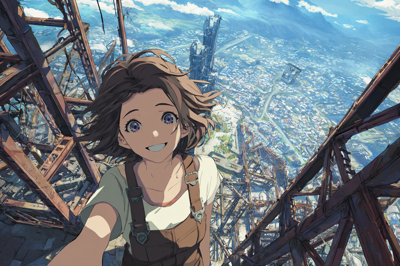
Qwen-Image 2.1 で画像の背景を除去して透過イメージを作成する:画像1


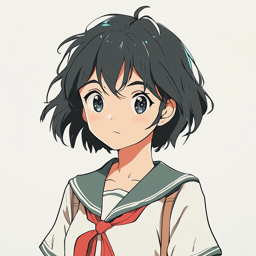
入力画像は下図です。
Qwen-Image 2.1 で画像の背景を除去して透過イメージを作成する:画像2

プロンプトは以下を利用します。

Prompt
Isolate the character from <image1>.
Remove everything except the character and make the background fully transparent.
Keep the original character artwork unchanged and pixel-faithful in appearance.
Preserve the exact line art, facial features, hairstyle, costume design, colors, shading, accessories, hands, and silhouette.
Carefully preserve thin hair strands and small costume details.
No new background, no white background, no checkerboard pattern, no halo around the edges.
Output with true transparency.


[実行する]ボタンをクリックすると画像生成が始まります。生成結果は[画像を保存]ノードに表示されます。 outputディレクトリにも画像が出力されます。

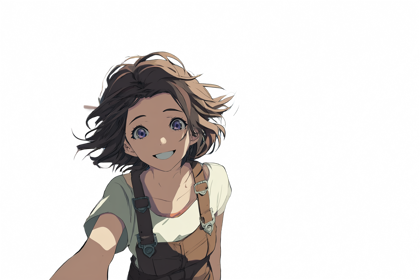
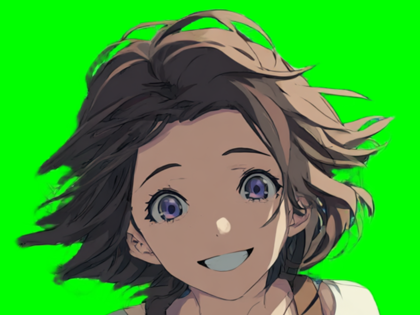
結果は下図です。
Qwen-Image 2.1 で画像の背景を除去して透過イメージを作成する:画像3

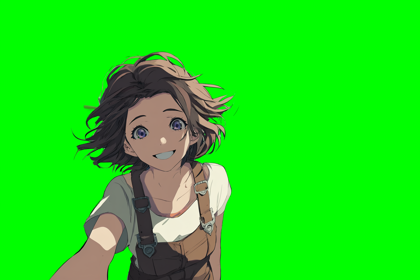
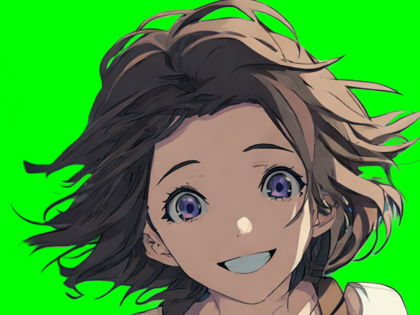
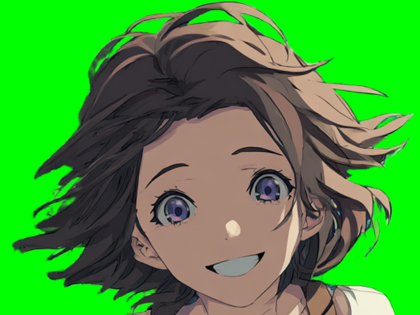
背景を緑色にした結果です。きれいに背景が除去できています。
Qwen-Image 2.1 で画像の背景を除去して透過イメージを作成する:画像4


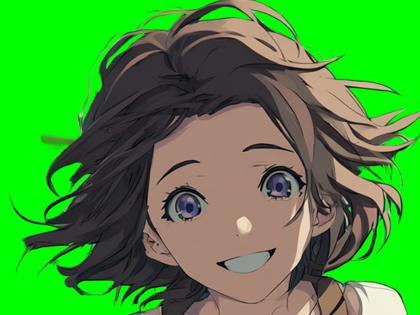
ほかのモデルやアルゴリズムとの比較です。Qwen-Image-Layeredと同様の品質ですが、若干細部の処理が良いかもしれません。

Qwen-Image 2.1
Qwen-Image 2.1 - Qwen-Image 2.1 で画像の背景を除去して透過イメージを作成する:画像5
Qwen-Image-Layered
Qwen-Image-Layered - Qwen-Image 2.1 で画像の背景を除去して透過イメージを作成する:画像6
BiRefNet General
BiRefNet General - Qwen-Image 2.1 で画像の背景を除去して透過イメージを作成する:画像7
BiRefNet Matting
BiRefNet Matting - Qwen-Image 2.1 で画像の背景を除去して透過イメージを作成する:画像8
AuthorPortraitAlt
著者
iPentecのメインデザイナー
イタリア好き。Webページ、Webクリエイティブのデザインを担当。PhotoshopやIllustratorの作業もする。 最近は生成AIの画像生成の沼に沈んでいる。
作成日: 2026-09-21