Realistic live-action cinematic look, action movie trailer: practical film photography style, a post-rain dusk metropolis, anamorphic lens, shallow depth of field, film grain, city volumetric fog, flying-car traffic between the towers, restrained grading for a premium feel, powerful natural movement.
Scene overview: at dusk on a cluster of skyscrapers, the protagonist is being chased, sprinting and leaping across rooftops, jumping from one building's roof to the next with pursuers closing in behind. This is the escape sequence of an action movie trailer: every leap is life-or-death, thrilling and fluid.
Storyboard (each shot a separate scene, rapid cuts, all landing on the musical beats):
[0s-1.5s] Shot 1: high side angle: the protagonist sprinting at the roof edge, pursuers appearing in the rooftop doorway behind him, wind catching his coat.
[1s-2.5s] Shot 2: the protagonist leaps across the gap between buildings, body stretching mid-air, towers and flying-car light trails behind him, a slight slow-motion feel.
[2.5s-4s] Shot 3: he lands, rolls and rises, low-angle shot, tower shadows and fog behind him, he keeps running.
[4s-5s] Shot 4: freeze: the instant he hits the edge of the next roof and launches into the jump, silhouette, holding.
Camera: each shot its own angle, cuts clean and hard, no dissolves, a slight frame jitter on the jumps.
Audio: wind, rapid footsteps, city ambience, low score underneath, an accent hit on each leap, the score bursting at 4s, closing the last 1s.
No text, subtitles, logos or watermarks of any kind, no animation or cartoon rendering, no overly-CG look, keep the live-action texture.
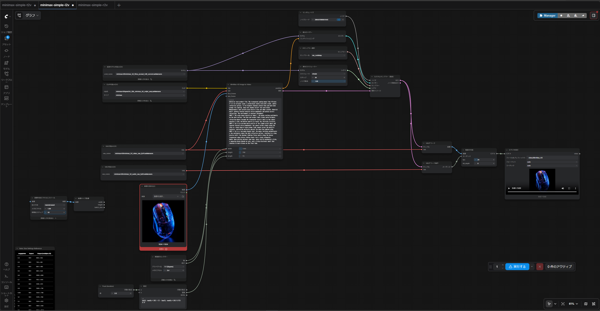
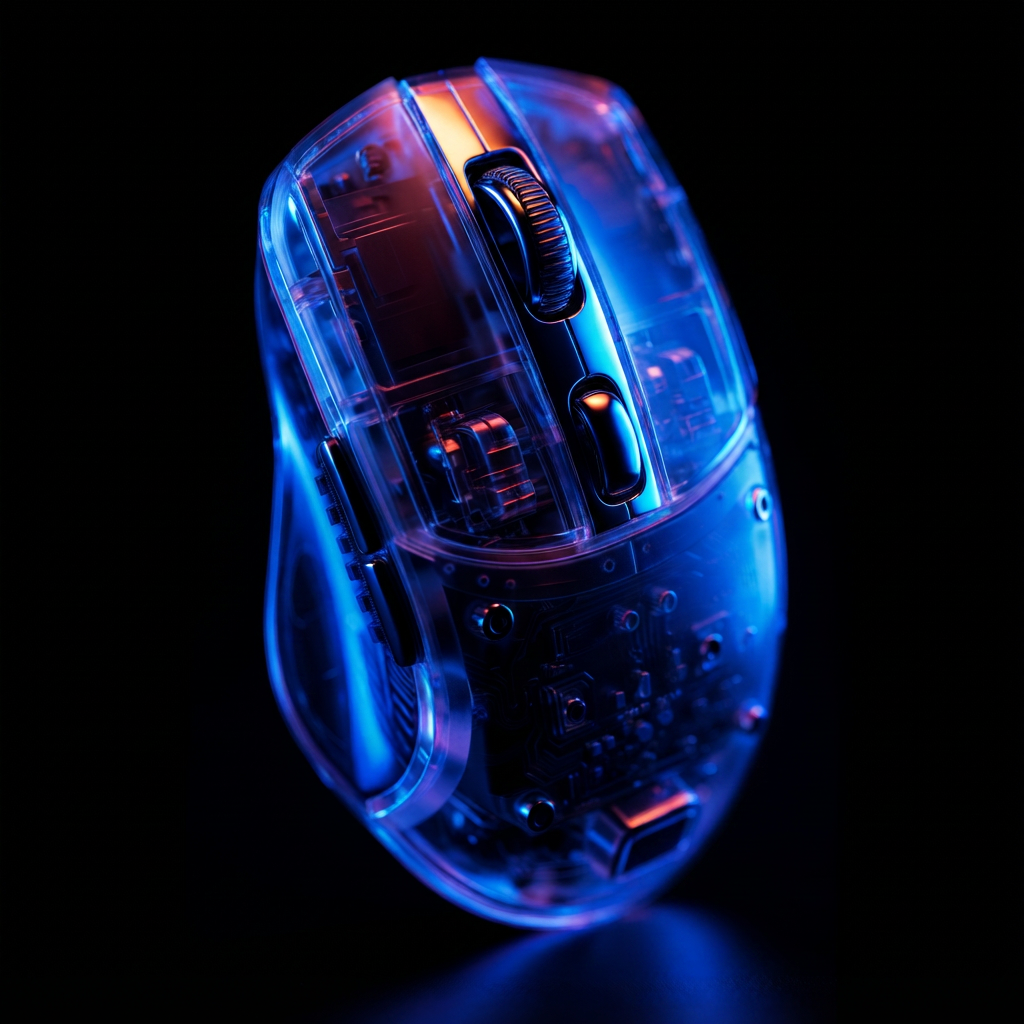
Editorial tech product film. The transparent gaming mouse from <Picture 1> in its original scene: a pitch-black studio void with a dark, subtle reflective surface, lit by dramatic duotone vibrant blue and warm neon orange rim lighting, deep soft shadow falloff into pure black. Monochromatic dark palette with electric blue and amber accents. Material motif: glowing internal metallic micro-components and glossy acrylic refractions. The environment is constant throughout.
SHOT 1: The scene opens exactly on image 1, the mouse resting confidently on the dark surface; the blue and orange lights slowly pulse brighter, refracting deeply through the transparent acrylic shell as the camera executes a slow, deliberate push-in to reveal the intricate circuitry.
SHOT 2: Cut to an extreme macro profile of the ridged scroll wheel and layered internal micro-components; the camera glides slowly along the side as a sharp beam of warm orange light sweeps across the metallic textures, contrasting perfectly against the deep blue ambient glow.
SHOT 3: Cut to a low-angle beauty shot: the mouse levitates weightlessly a few centimeters above the dark reflective surface, rotating in a slow, precise orbit; the duotone lighting flares gently along the glassy transparent edges before fading slowly into a sleek silhouette.
Audio: deep pulsing sub-bass room tone, sharp tactile mechanical clicks, a sweeping glassy whoosh on cuts, and a rising electronic swell that resolves to near-silence on the final fade.
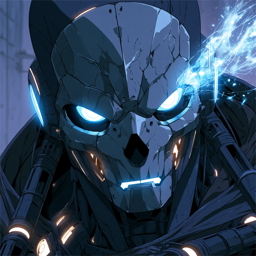
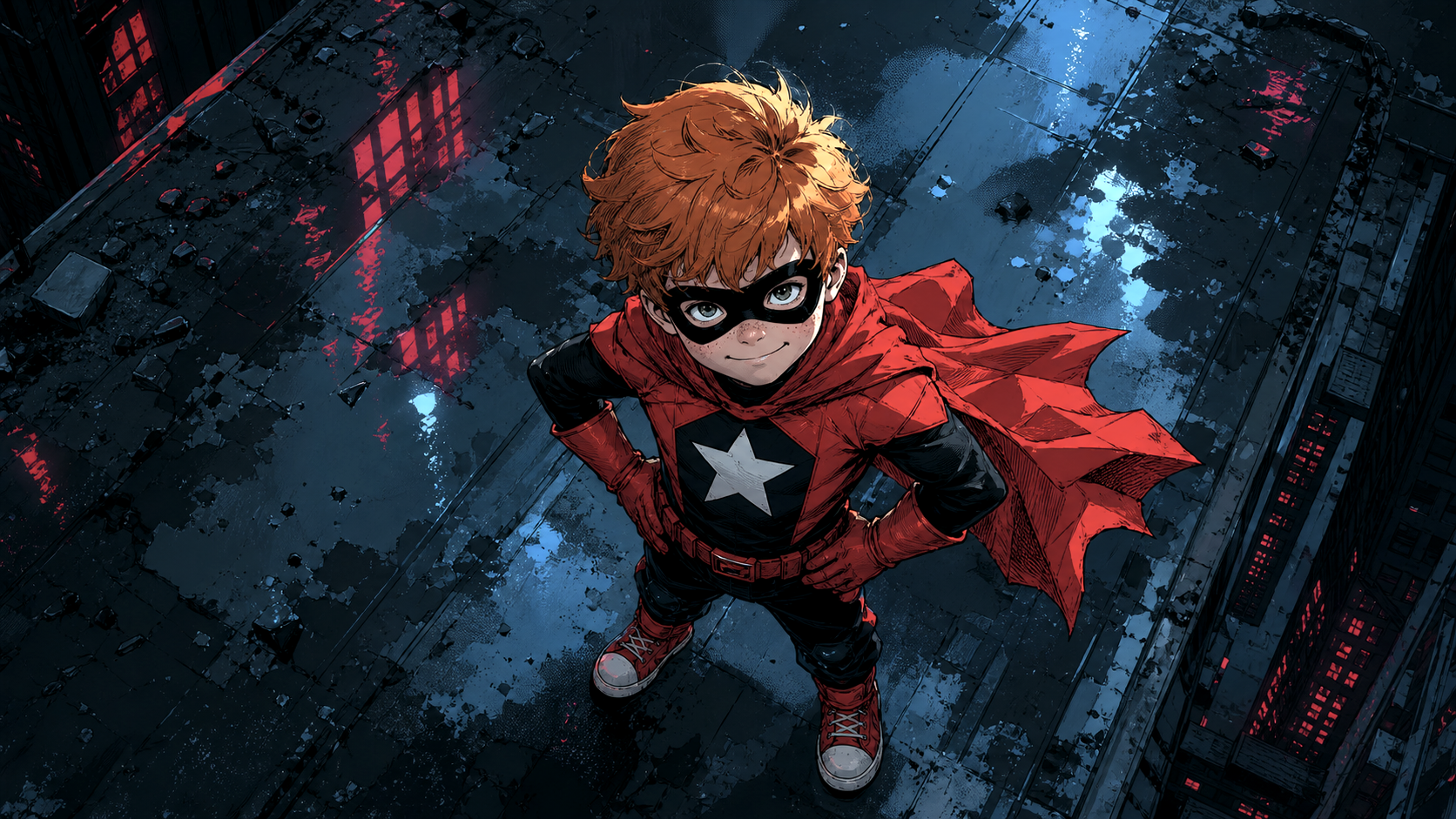
Bold comic-book ink style, heavy linework, red and blue-black palette, night city. Use <Picture 2> and <Picture 1> as reference frames and <Audio 1> exactly as it is.
CUT 1: top-down view of the little boy superhero on the rooftop — red cape fluttering in the wind, hands planted on his hips, freckles and a cocky grin as he looks straight up into the camera. The camera slowly descends toward him as he delivers his line — as he speaks, comic-book graphic overlay text word by word in sync with his voice: "GET READY TO" - "MEET" — "YOUR" — "MAKER" — huge jagged comic lettering, white with heavy black outlines and red drop shadows, tilted at scrappy angles, until the three words hang stacked in the air above him between his face and the lens.
TRANSITION: a violent WHIP PAN off the rooftop that SMEARS the floating words away with it, motion-streaked —
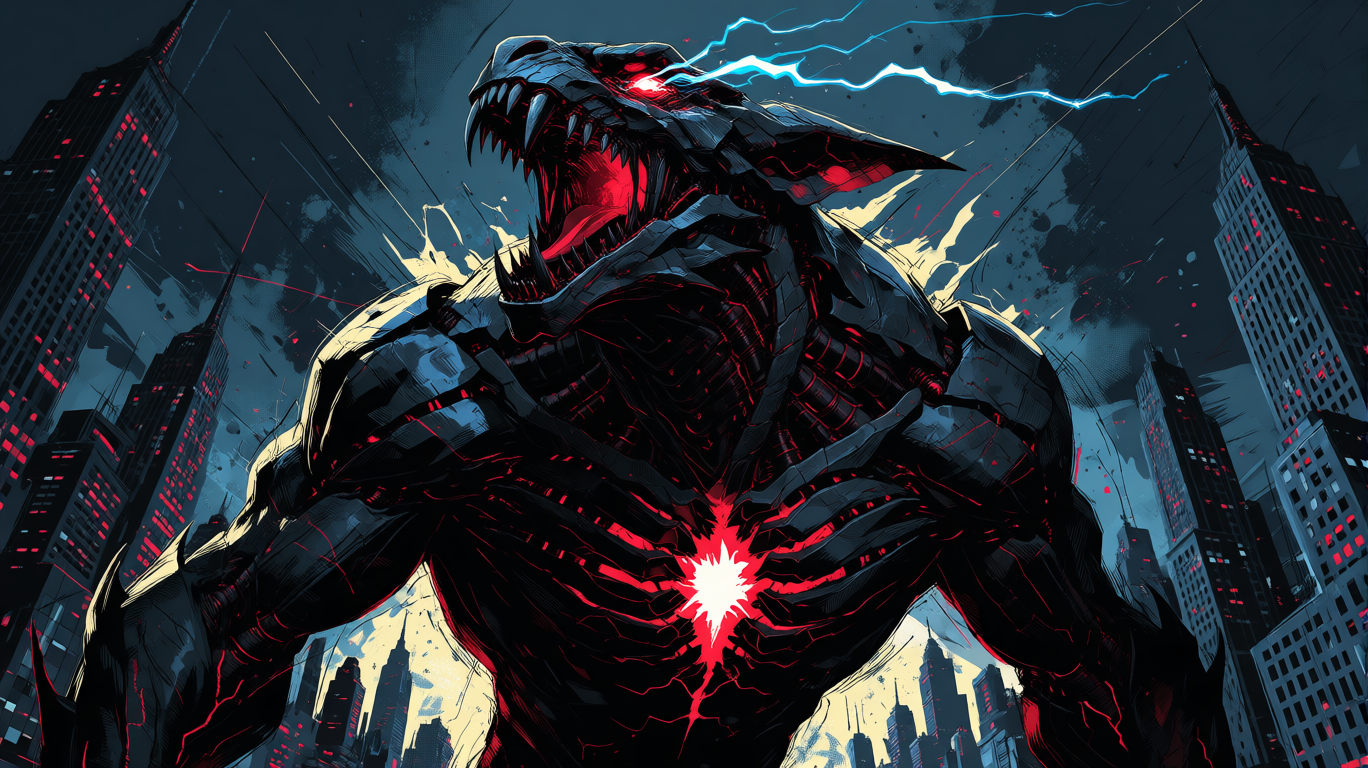
CUT 2: low hero angle on the colossal black mech-kaiju towering over the skyline as it rears back and unleashes a GIANT terrifying ROAR — jaws wide with fangs, red eyes and chest-core flaring blinding bright, blue lightning arcing off its head, the roar's shockwave rippling dust and rattling windows down the buildings, comic-style speed-lines and ink splatter bursting from the impact of the sound. It leans INTO the camera as the roar peaks. Hold on the roar.
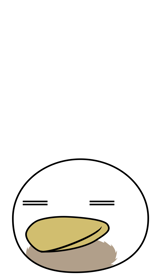
Use the provided image as the exact character reference.
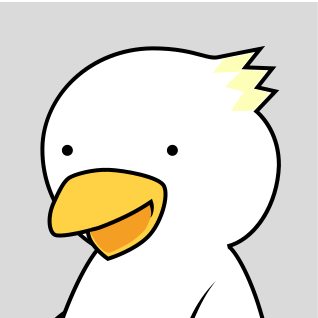
A cute, simple duck mascot stands motionless in the center of a plain white background. The duck has a round white body, a large flat yellow beak angled slightly upward, small closed-line eyes, and a soft brown patch on the lower front of its body. The character is drawn in a simple flat vector style with thick black outlines.
The duck gently crouches down for anticipation, then makes a small, soft jump straight upward. While in the air, the duck performs exactly one slow, smooth 360-degree rotation around its vertical center axis, rotating like a spinning top or the Earth.
The rotation must happen slowly and clearly, only once, over the course of the jump. Do not spin rapidly. Do not spin multiple times. The duck should visibly pass through front view, side view, back view, side view, and then return to the original front view after completing exactly one full turn.
The jump should be gentle and slightly floaty, giving enough airtime for one slow readable rotation. After the rotation, the duck descends and lands softly in exactly the same position where it started, with a small squash-and-bounce on landing. It then becomes completely still.
Keep the original character design, facial expression, body shape, flat colors, thick outlines, and simple mascot style unchanged. Keep the character centered. Use a fixed front-facing camera with no camera movement, no zoom, and no background changes. Smooth, cute, playful animation. Make it loop seamlessly so the first and last frames match exactly.
Add a cute, soft jump sound effect synced to the takeoff and landing. Use a light, playful, mascot-like sound, such as a gentle “boing” or “pyon” feeling, with a small, sweet, bouncy tone. Avoid heavy, realistic, harsh, metallic, or comical slapstick sounds.
For the target video, at 0.00 seconds into the target video, <Picture 1> (from [Shot 1]) is fully referenced.
integrated_multimodal_description: [Shot 1] 2D-animated, flat minimal cartoon style, the round white duck character shown in <Picture 1> sits at the lower center of a plain white background, preserving its simple line-drawn body, closed horizontal-line eyes, large yellow bill, brown tail fluff, and the soft gray shadow beneath it. The camera holds a static shot as the duck squashes down slightly, then hops gently upward into the air. While floating at the top of the hop, the duck turns slowly and smoothly around its own vertical axis, making only a single unhurried 360-degree turn: its bill gradually swings from the front to the left side, then the plain back of its round body faces the viewer, then the bill reappears on the right side, and finally the bill returns to face directly front. The turn is slow, gentle, and completed exactly once, with no additional spinning. The duck then floats down and lands softly back in its original position at the lower center of the frame, its shadow shrinking during the hop and expanding again on landing, ending in the same pose, position, and composition as <Picture 1>.
overall_soundscape: A tiny squeaky toy "boing" plays at the takeoff, followed by a soft fluffy whoosh during the slow turn and a small cushioned "puff" as the duck lands. The background remains otherwise quiet and cozy.