CSSでテキストを改行させない設定にする場合は white-space: nowrap; を記述します。
以下のHTML,CSSファイルを作成します。
<!DOCTYPE html>
<html>
<head>
  <meta charset="utf-8" />
  <title></title>
  <link rel="stylesheet" type="text/css" href="nowrap.css" />
</head>
<body>

  <h1>ワードラップしないデモ</h1>
    <div class="OuterFrame">
      <div class="SimpleFrame">ABCDEFGHIJKLMNOPQRSTUVWXYZ1234567890ABCDEFGHIJKLMNOPQRSTUVWXYZ1234567890</div>
      <div class="SimpleFrame">あいうえおかきくけこさしすせそたちつてとなににぬねのはひふへほまみむめもやゆよらりるれろわをん</div>
      <div class="SimpleFrame">I awoke to a vision of a white ceiling above, The light streaming in through the window was so bright, It felt like being left behind in a world of pure white. A fleeting thought crossed my mind, Could this perhaps be heaven?</div>
      <div class="SimpleFrame">目を覚ました。白い天井が見える。窓から差し込む光はまぶしく、まるで純白の世界に取り残された錯覚を持った。刹那考えが脳裏をよぎる、もしやこれは天国か。</div>
    </div>

</body>
</html>
.OuterFrame {
  margin-left: 0px;
  margin-top: 0px;
  margin-right: 0px;
  margin-bottom: 0px;
  border: solid 4px #0094ff;
  width:680px;

}


.SimpleFrame {
  margin-top: 16px;
  margin-left: 16px;
  margin-bottom: 16px;
  margin-right: 16px;
  border: solid 1px #808080;
  width: 480px;
  white-space: nowrap;
}
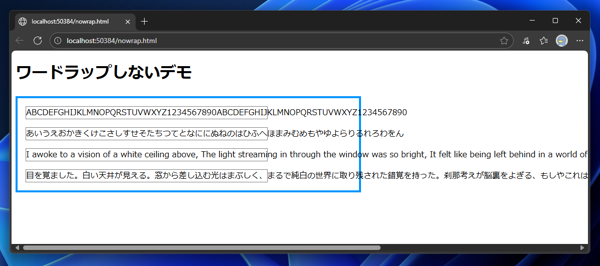
上記のHTMLファイルをWebブラウザで表示します。下図のページが表示されます。
テキストが改行されずに表示され、ページの横スクロールバーが表示されます。
スクロールバーを表示するには overflow-x: auto; を記述します。CSSファイルをいかに変更します。
.OuterFrame {
  margin-left: 0px;
  margin-top: 0px;
  margin-right: 0px;
  margin-bottom: 0px;
  border: solid 4px #0094ff;
  width:680px;

}


.SimpleFrame {
  margin-top: 16px;
  margin-left: 16px;
  margin-bottom: 16px;
  margin-right: 16px;
  border: solid 1px #808080;
  width: 480px;
  white-space: nowrap;
  overflow-x: auto;
}
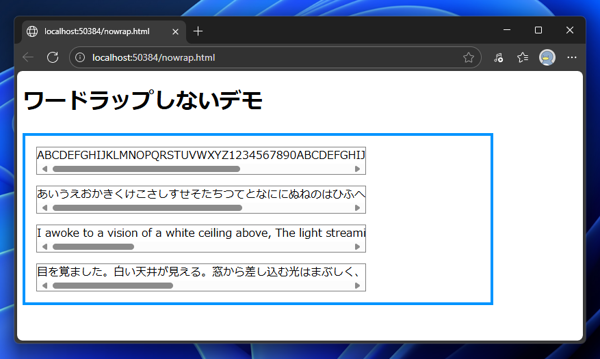
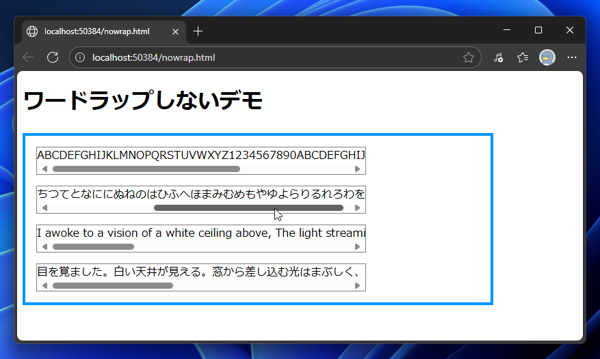
表示結果は下図です。枠に横スクロールバーが表示されます。
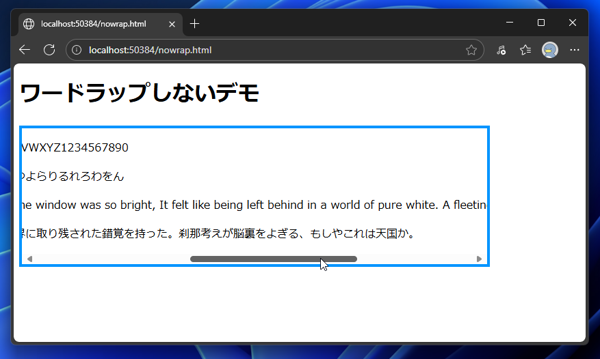
なお、外側の枠に overflow-x: auto; を設定することもできます。
.OuterFrame {
  margin-left: 0px;
  margin-top: 0px;
  margin-right: 0px;
  margin-bottom: 0px;
  border: solid 4px #0094ff;
  width:680px;
  overflow-x: auto;
}


.SimpleFrame {
  margin-top: 16px;
  margin-left: 16px;
  margin-bottom: 16px;
  margin-right: 16px;
  border: solid 1px #808080;
  width: 480px;
  white-space: nowrap;
}
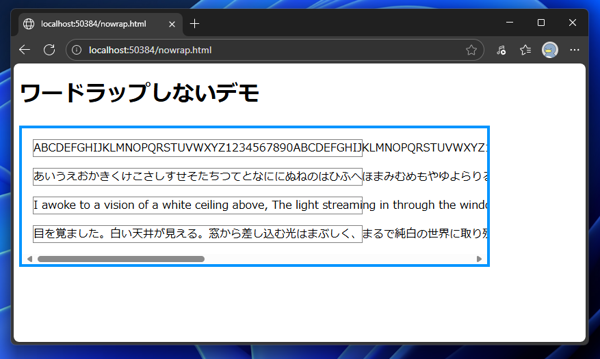
外側の枠にoverflow-x: auto;を設定した場合の実行結果は下図になります。
外側の枠に横スクロールバーが表示されます。