写真をイラスト風に変換する - Nano Banana (Gemini 2.5 Flash Image) 利用
質問: 写真をアニメ風イラストにしたい
Gemini 2.5 Flash Image Preview (Nano Banana) を使えば、写真をアニメ風のイラストにできそうな気がするのですが、
どうもうまくいかないです。安定して変換できるプロンプトや手順はありますか?
手順
写真をアニメ風のイラストに変換する手順を紹介します。
検証は続いているため、さらに効率の良い方法があるかもしれません。
入力画像
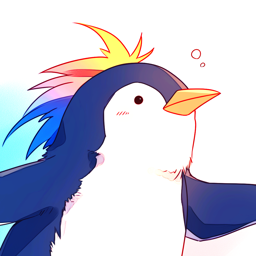
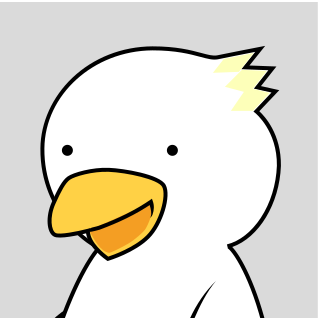
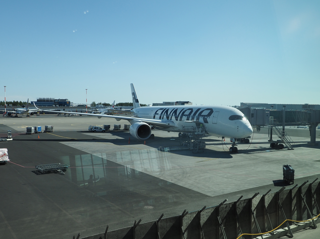
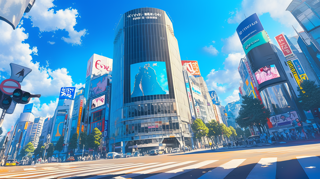
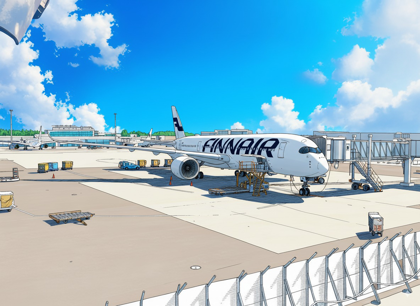
今回利用する入力画像は下図です。1つはイラスト風に変換したい写真です。もう一つの画像はカラーリングやトーンを指定するためのガイド画像です。
ガイド画像は無くても着色できますが、想定しているイメージとずれる可能性があるため、期待するカラーリングの画像を用意しておいたほうが
成功率が上がります。
入力画像の写真を変換
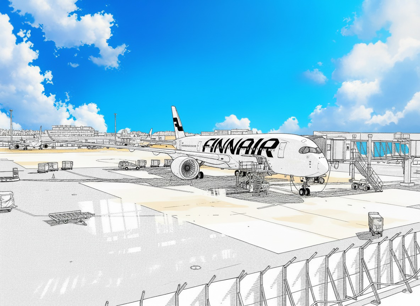
写真をそのまま利用すると、写真のカラーが結果に影響してしまうため、写真を線画に変換します。
線画への変換手順はこちらの記事を参照してください。
線画に変換した写真が下図です。
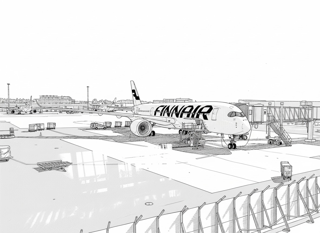
画像生成
入力画像を設定します。カラーリング指定した画像を1枚目に、線画に変換した画像を2枚目に設定します。
テキストボックスのプロンプトは以下とします。
Prompt
Please color the second line drawing. The coloring should reflect the tone and coloring of the first illustration. Please create an anime-style finish.
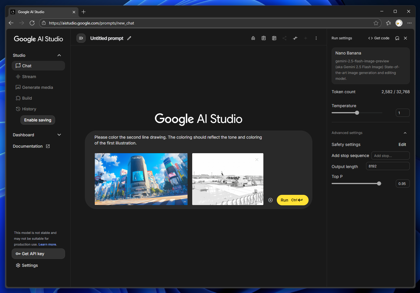
画像生成を実行します。
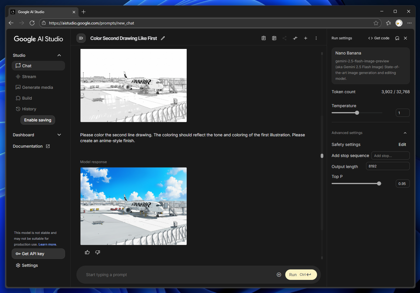
画像生成結果は下図です。カラーリングできました。
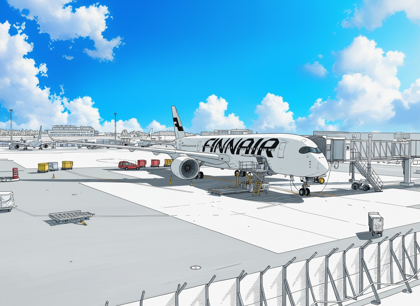
プロンプトを若干変更してみます。
Prompt
Please color the second line drawing. The coloring should reflect the tone and coloring of the first illustration. The finished product should resemble background art from an anime.
もう少し立体感があったほうが良いので、anime系の指定を抜いてみます。
Prompt
Please color the second line drawing. The coloring should reflect the tone and coloring of the first illustration.Semi-Realistic image
生成結果は下図です。あまりうまくいかないです。
立体感を出す場合
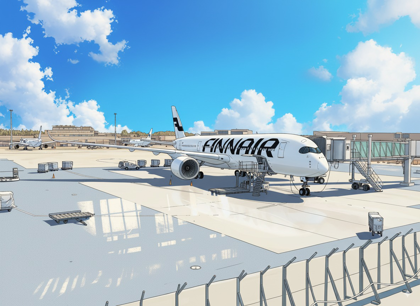
試行錯誤の結果、線画を無くす指示を入れると、やや立体感のある結果になります。
Prompt
Please colorize the second image. Please refer to the first image for coloring and toning. Please remove the line art when coloring.
画像生成結果は下図です。
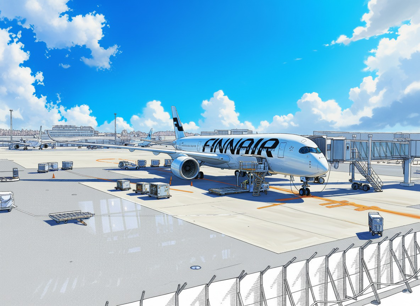
さらにプロンプトを修正して以下としました。brushstrokeを追加して筆跡を表現する意図があります。
Prompt
Please colorize the second image. Please refer to the first image for coloring and toning. Please remove the line art when coloring. vivid coloring. create realistic painting image, brushstroke, no lineart.
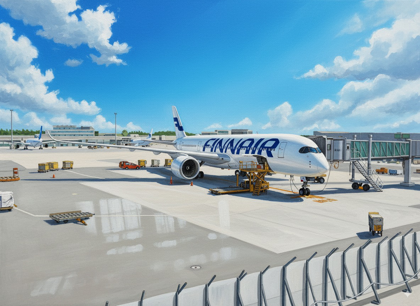
画像生成結果は下図です。
Prompt
Please colorize the second image. Please refer to the first image for coloring and toning. Please remove the line art when coloring. vivid coloring. create realistic Acrylic Gouache painting image, with brushstroke, no lineart.
画像生成結果は下図です。
著者
iPentecのメインデザイナー
イタリア好き。Webページ、Webクリエイティブのデザインを担当。PhotoshopやIllustratorの作業もする。
最近は生成AIの画像生成の沼に沈んでいる。