curl の openssl版でSSLサイトにアクセスすると "SSL certificate problem: unable to get local issuer certificate" エラーが表示される現象について紹介します。
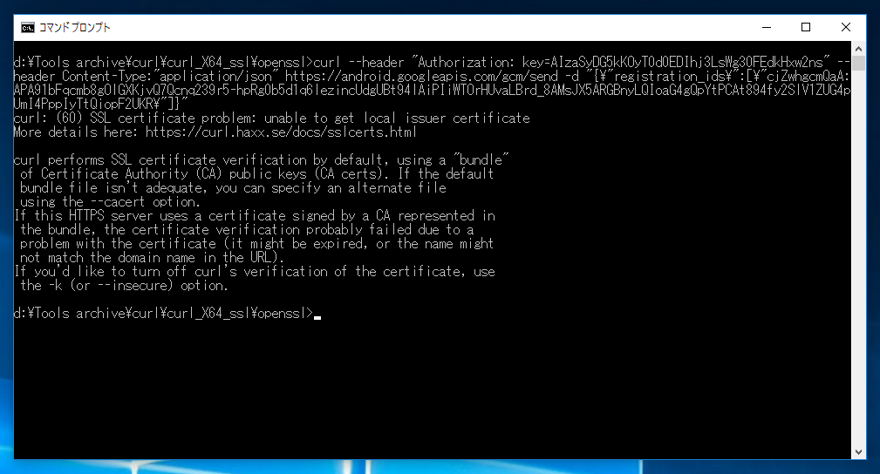
curl の openssl版でSSLのサイトにアクセスすると、下記のエラーが発生します。
curl: (60) SSL certificate problem: unable to get local issuer certificate
More details here: https://curl.haxx.se/docs/sslcerts.html

curl performs SSL certificate verification by default, using a "bundle"
 of Certificate Authority (CA) public keys (CA certs). If the default
 bundle file isn't adequate, you can specify an alternate file
 using the --cacert option.
If this HTTPS server uses a certificate signed by a CA represented in
 the bundle, the certificate verification probably failed due to a
 problem with the certificate (it might be expired, or the name might
 not match the domain name in the URL).
If you'd like to turn off curl's verification of the certificate, use
 the -k (or --insecure) option.
なお、winssl版のcurlでは同じコマンドを実行した場合でもエラーは発生しません。
コマンドを実行したPCのクライアント証明書が無いことが原因です。
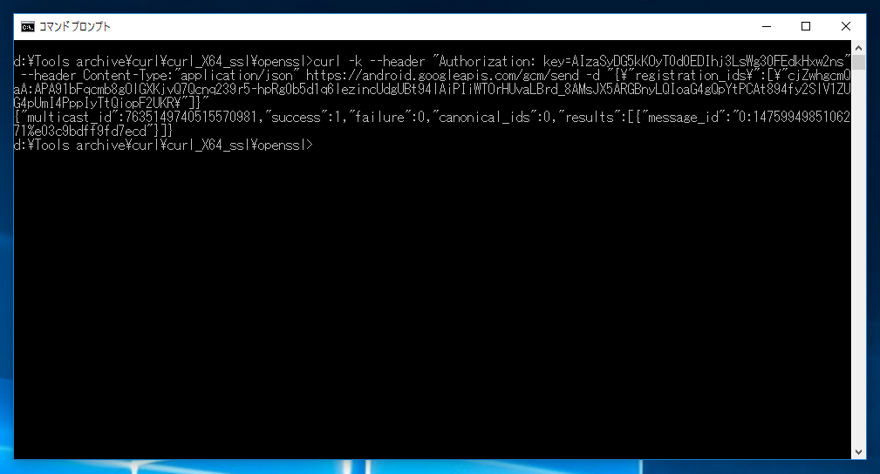
curl に -k オプションを指定することで、クライアント証明書のチェックをしないようにできます。
クライアント証明書を用意します。curlコマンドに
オプションを指定することで、指定した証明書を利用してアクセスします。
クライアント証明書はgit,phpなど他のソフトウェアの証明書でも動作します。証明書が無い場合は、curlのサイトからダウンロードできます。
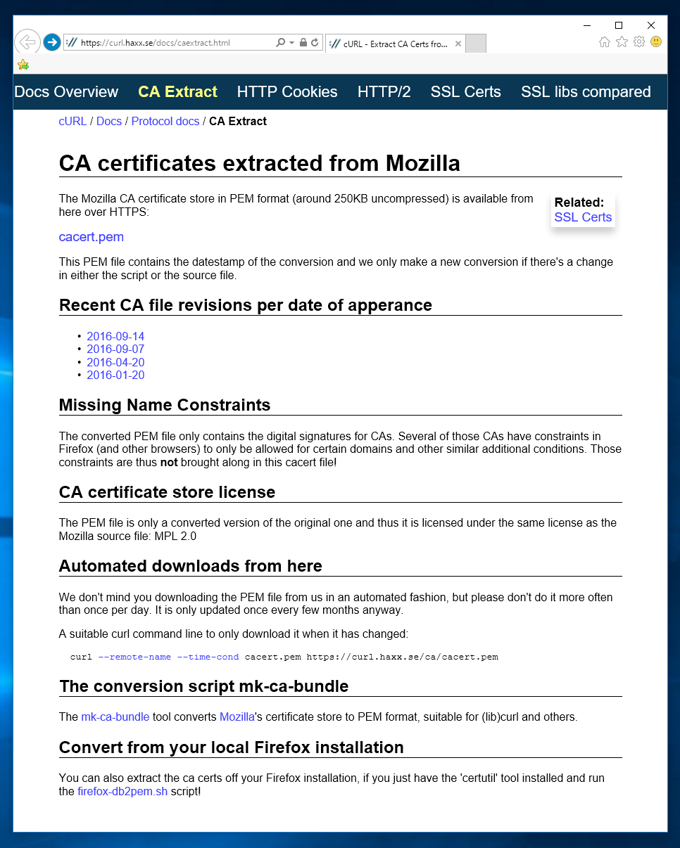
https://curl.haxx.se/docs/caextract.html にアクセスします。
下図のページが表示されます。ページ上部に[cacert.pem] ファイルへのリンクがありますので、こちらをクリックする、または、リンク先をファイルに保存するなどして、pemファイルをダウンロードします。